 Skip to main content

Requesting a New I-20 or DS-2019
IMPORTANT NOTICEOn September 14, 2026, a federal judge issued a preliminary injunction to delay the implementation of the D/S final rule. The rule will not be implemented while litigation proceeds. Consequently, current F and J regulations under the “duration of status” framework are still in place and this webpage currently reflects those regulations. Please contact ISSP at globe@wm.edu with any questions. Visit the Immigration Updates webpage for more information about the elimination of D/S final rule.
|
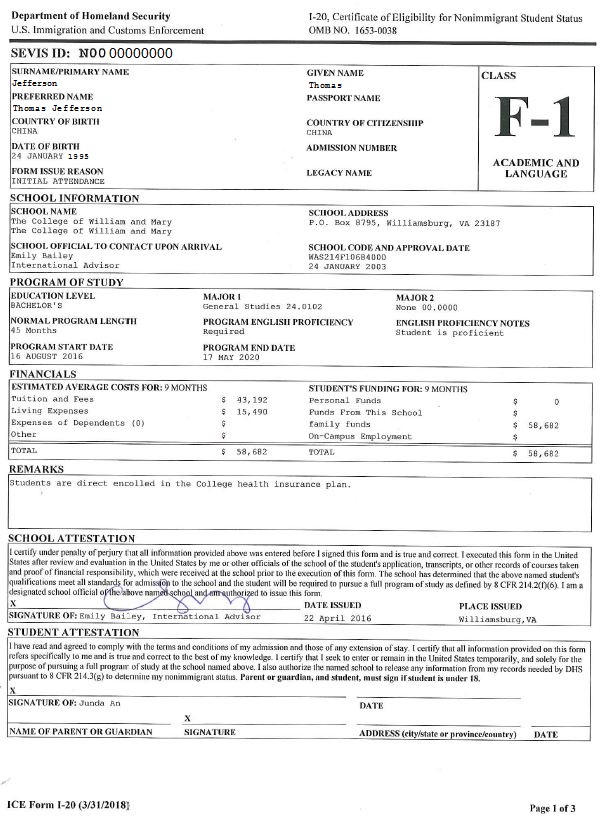
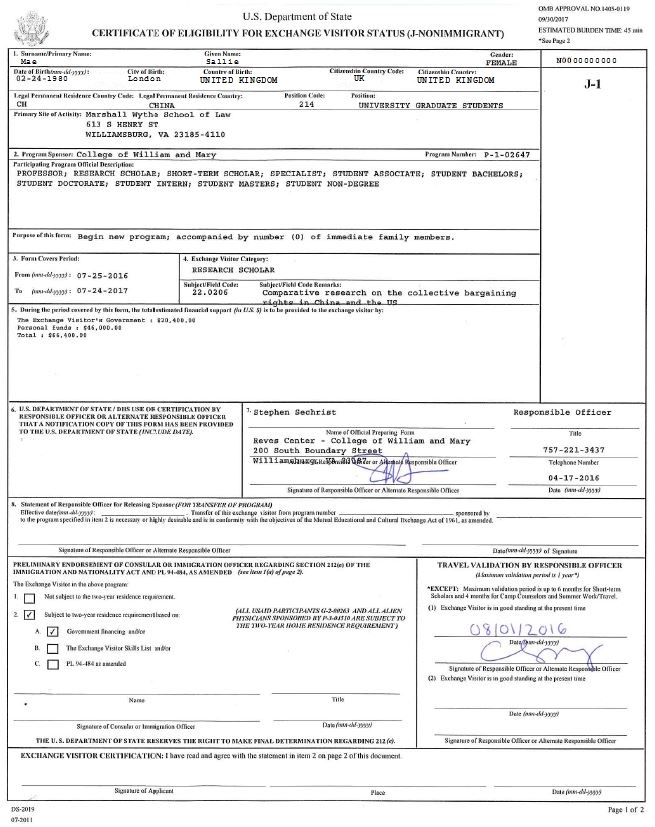
I-20 DS-2019
For students new to W&M: How to request the Initial I-20 or DS-2019 to begin study
- Once you have been admitted to W&M and paid your deposit, you will receive an email from our online system iStart.
- Through iStart, you will complete an online form and upload copies of your passport identity page (if you have one) and financial documentation (i.e., proof of funding).
- The request will be electronically endorsed by your admissions office and then routed to the Office of International Students, Scholars & Programs (ISSP).
- ISSP will issue the I-20 or DS-2019, send it out, and notify you that it is on its way.
For current or returning W&M students: How to request an updated or replacement I-20 or DS-2019
- Login to iStart using your W&M ID and Password.
- Click on International Office in the menu on the left-hand side. Click on Replacement of I-20 or DS-2019 and complete the form.
Admitted to a New Academic Program at W&M
If you are a current W&M student who has been accepted to a new academic program (e.g., a Bachelor’s student who has been accepted to a Master’s program), your I-20 or DS-2019 must be updated with the new information before it expires.
- Once you have been admitted to W&M and paid your deposit, you should request a new I-20 in iStart.
- Through iStart, you will complete an online form and upload copies of your passport identity page and financial documentation (i.e., proof of funding).
Admitted to a New Program Form (iStart)
- Login to iStart using your W&M ID and Password.
- Click on International Office in the menu on the left-hand side.Then, click on Admitted to a New Program and complete the form.
- The request will be electronically endorsed by the your admissions office and then routed to ISSP.
- ISSP will issue the I-20 or DS-2019, and email it to you.