 Skip to main content

UHR Workday Tip of the Month - Sup Orgs & Cost Centers
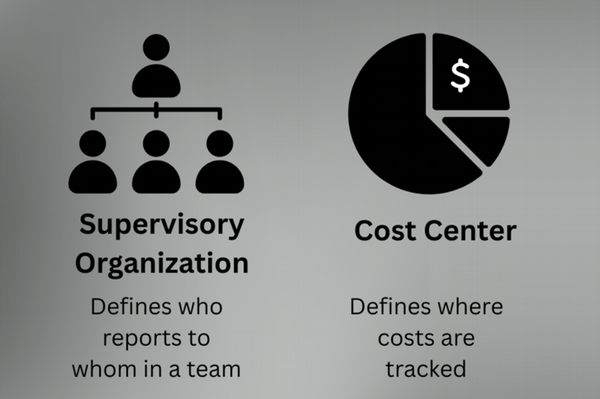
Supervisory Organizations (Sup Orgs) aka Team
What they are:
Supervisory organizations define who reports to whom. They form Workday’s managerial and reporting hierarchy, closely mirroring your org chart. Every worker is assigned to one (and only one) supervisory org at a time. Think of this as the team.
What they’re used for:
- Manager – employee relationships
- Business process routing (approvals flow to the manager)
- Manager-based security access
- Talent, performance, and headcount reporting
Key point:
Supervisory orgs answer the question:
“Who manages this worker?”
Cost Centers
What they are:
Cost centers are financial units used to track where expenses are incurred within an organization. In Workday, they are part of the Foundation Data Model (FDM) and are primarily used by Finance to monitor and manage costs.
What they’re used for:
- Budgeting and expense tracking
- Payroll cost allocation
- Financial reporting and analysis
- Assigning accountability for spending
- GL posting and cost control
Key point:
Cost centers answer the question:
“Where does this worker’s expenses get charged?”
Side-by-Side Comparison
| Sup Org | Cost Center |
|---|---|
| Managerial structure | Financial structure |
| Defines reporting lines | Defines budget ownership |
| Used for approvals and security | Used for expenses and accounting |
| Core to HCM processes | Core to Finance processes |
| "Who reports to whom?" | "Where do costs land?" |
Simple way to remember it
A worker may report to one manager (one supervisory org) while their payroll and expenses are charged to a different cost center – and that’s completely normal in Workday.