Close menu William & Mary

Templates & Downloads

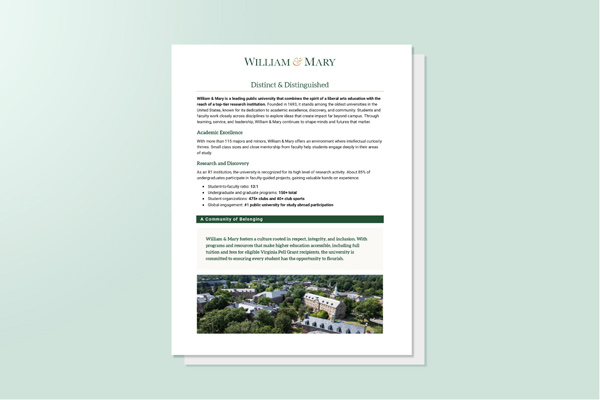
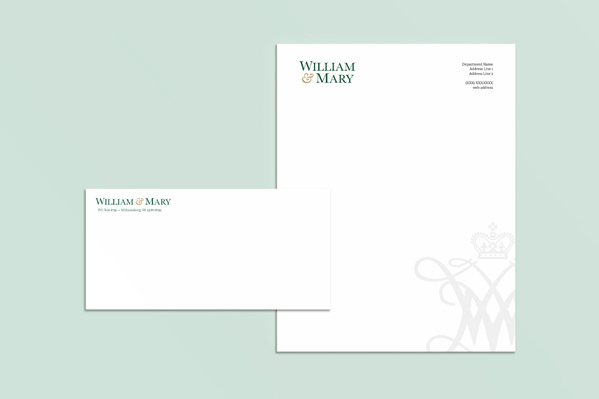
Templates and downloadable assets make it easy to create on-brand materials efficiently and confidently. Here you’ll find everything from letterhead and presentation decks to social media graphics and email signatures — all designed to uphold William & Mary’s visual standards while giving communicators flexibility to adapt for their needs.

You must have a valid W&M username and password to download some of the artwork and templates. If you do not have a W&M username, please contact us to request files.

By downloading official university logos, graphics, templates and all other assets, you agree to abide by the visual identity and merchandise licensing policies and guidelines set forth in this site. Be sure to familiarize yourself with the particular guidelines that apply to each brand asset you use.

Brand Essential Templates

Custom design projects can be requested through the MarComm request form. For projects requiring a quick turnaround or when simple William & Mary branding is sufficient, certain templates are available to help maintain consistency. Each template specifies image placement and applies the correct university color schemes, typography, and pre-embedded logo to ensure alignment with brand standards.

Canva Templates

Canva is an easy-to-use online design platform that allows anyone to quickly customize branded materials—no advanced design skills required. To access and use William & Mary templates, you’ll need either a Canva Pro account or to be part of a Canva Teams account. These templates ensure brand consistency while offering flexibility for a variety of needs. For guidance on how to use or customize templates, visit Canva’s support page on templates. If needed, Canva Pro accounts may be created and purchased using departmental budgets and individual login credentials, with appropriate approval from supervisors.

Backgrounds & Wallpapers

Show your William & Mary pride wherever you are. Download branded backgrounds for Teams, Zoom, your desktop or your phone to bring the university’s spirit to your everyday work and life. Choose your favorite design and represent W&M in every setting.

Email Template Guidelines

William & Mary emails should reflect a cohesive, branded look that aligns with the university’s visual identity and tone. Branded templates have been created within the approved university email platforms Marketing Cloud and Emma, ensuring consistency across communications. These templates are not downloadable, as they live directly within their respective platforms, where they can be customized as needed for specific audiences and messages. When primary brand fonts are not supported in these systems, Arial and Georgia are approved alternatives to maintain readability and visual harmony.

For detailed email design specifications and best practices, refer to the Marketing Cloud Design Guidelines available to W&M users in Box.

Email Signatures

Email Signatures

Personal email signatures for W&M accounts should follow these guidelines:

  • Keep it simple, include only essential contact information.
  • Use common fonts, such as Helvetica, Calibri or Arial.
  • Use black text only.
  • Do not include logos or graphics, as the display quality will vary depending on the browser, email client, etc. If you wish to include social media or website links, do so as plain text links instead of icons.

Minimal Signature

Name
Title
School / Department / Office
William & Mary
###-###-####

Signature with Multiple Phone Numbers and Links

Name
Title
School / Department / Office
William & Mary
Office: ###-###-####
Mobile: ###-###-####
Fax: ###-###-####

Follow Us: Facebook | Twitter | LinkedIn

Have Questions About Applying the Brand?

The offices of University Marketing and University Communications maintain William & Mary’s visual identity and brand guidelines. Their staff of marketing and communications professionals are available to respond to questions and assist with requests.