 Skip to main content

Emergency Notifications
TribeAlerts
The phrase “TribeAlert” will be included in all notifications that indicate an immediate threat to life. Such situations may include, but are not limited to: an active shooter or active threat on or near campus, public safety incidents such as fire, bomb threats, hazardous materials events, a severe incident at the Dominion Energy Surry Power Station, and tornado warnings.
Each emergency notification text will begin with a specific keyword, such as:
- Emergency
- Critical
- Urgent
These specific words help prevent mobile carriers from blocking messages as spam.
All – Clear
W&M will issue an alert to let you know a situation has been resolved. Until the All-Clear Alert is issued, an incident is still considered ongoing. You should continue to follow alert instructions and take appropriate measures to protect your safety.
Adding Rave Mobile Safety to Your Contacts
Scan the QR Code
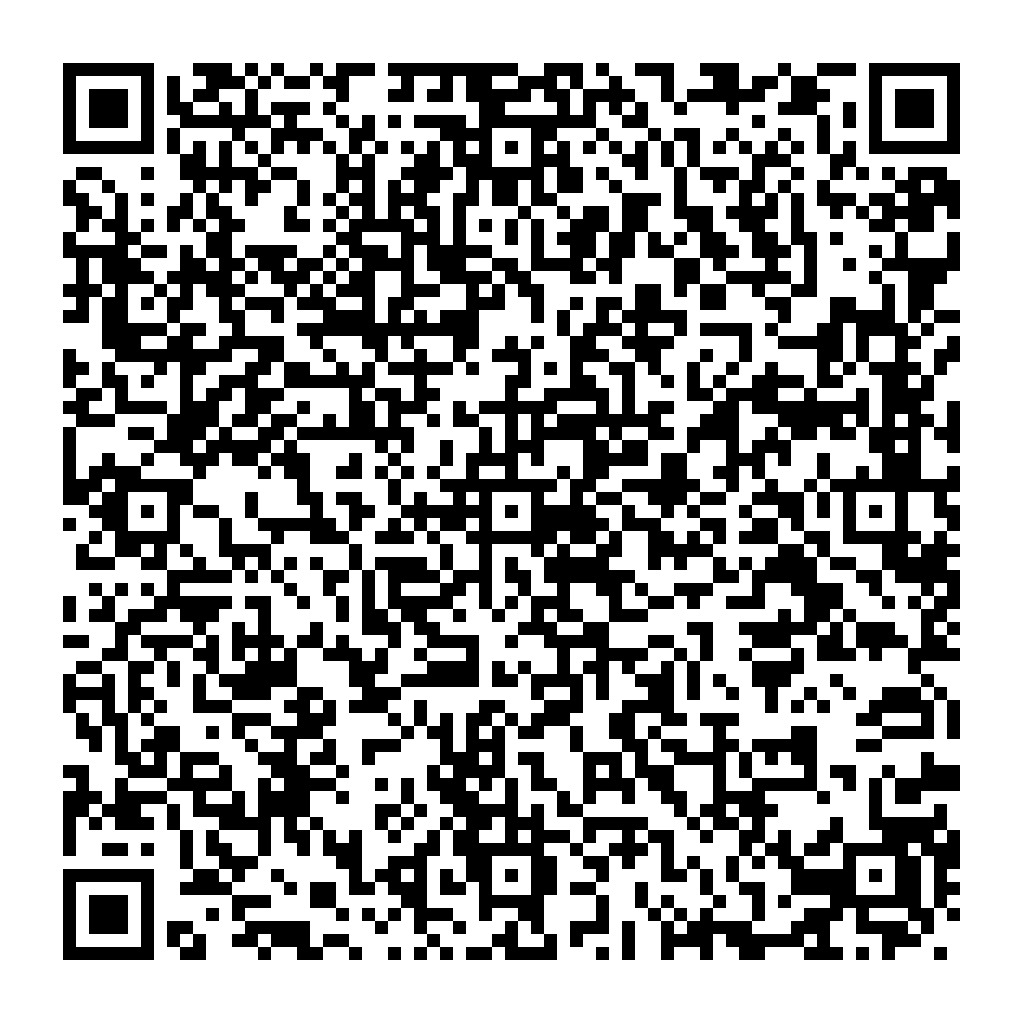 Use your smartphone to scan this QR code to save Rave Mobile Safety as a contact. This ensures alerts sent via SMS (text) appear from Rave Mobile Safety.
IMPORTANT: If you are enrolled in another organization's Rave Mobile Safety database, when receiving alerts take time to verify which organization has sent the alert. All Rave messages from William & Mary will include TribeAlert.
Option 1: Open your phone's camera app and point it at the QR code. Confirm that you'd like to add the contact when prompted.
Option 2: If viewing this page on your phone, long-hold the QR code image and select the option to scan the QR code or search the image, depending on your device. Confirm that you'd like to add the contact when prompted.
Unable to Scan the QR Code?
Don't worry. The messages will still be delivered, but the sender will display as one of the 5-6 digit "short codes" generated by the system instead.
Already Scanned Previous TribeAlert QR Code?
If you have already scanned the previous TribeAlert QR code, please follow these steps:
- Open the TribeAlert contact in your smartphone and select edit.
- Change the contact name from TribeAlert to Rave Mobile Safety.
Manually Add Contact Numbers
If your device does not automatically add all six contact numbers to your Rave Mobile Alert contact, you may manually add them. The six numbers that should be included are 226-787, 672-83, 780-15, 814-37, 772-95 and 229-11.