 Skip to main content

Supplemental Request
Students who have had accommodations with us in the past and are looking to request additional accommodations or make adjustments to their current accommodations should submit a supplemental request.
Step 1: Log into your student Accommodate Portal.
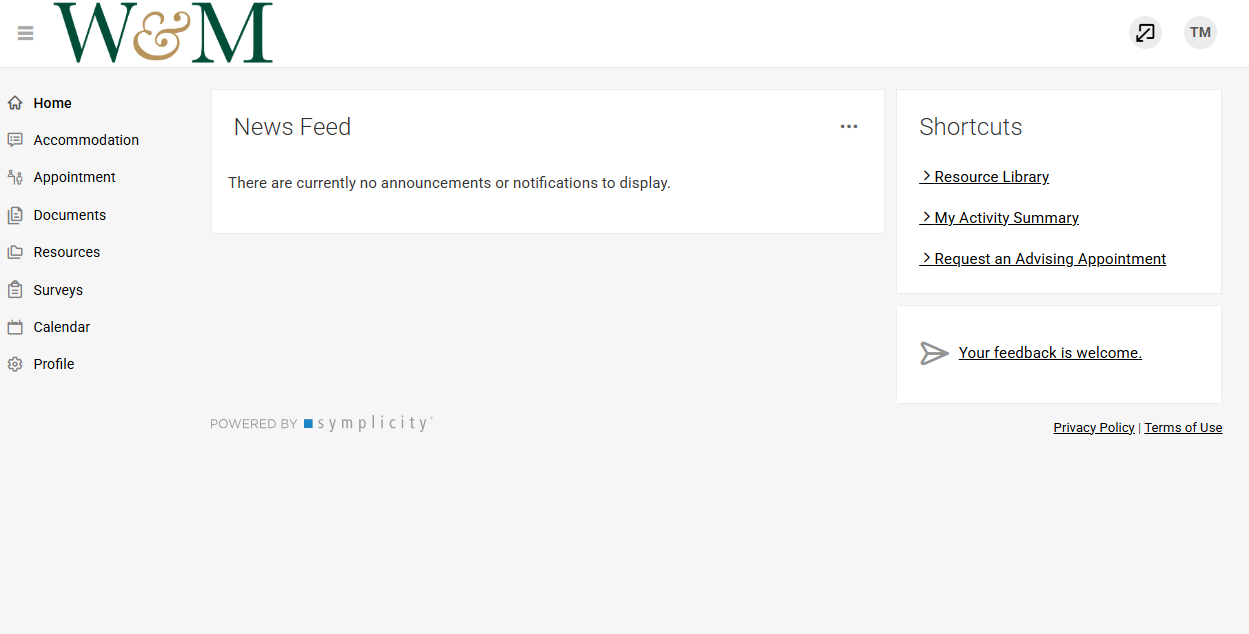 Step 2: On the left, select the menu item labeled Accommodation to open the drop-down menu.
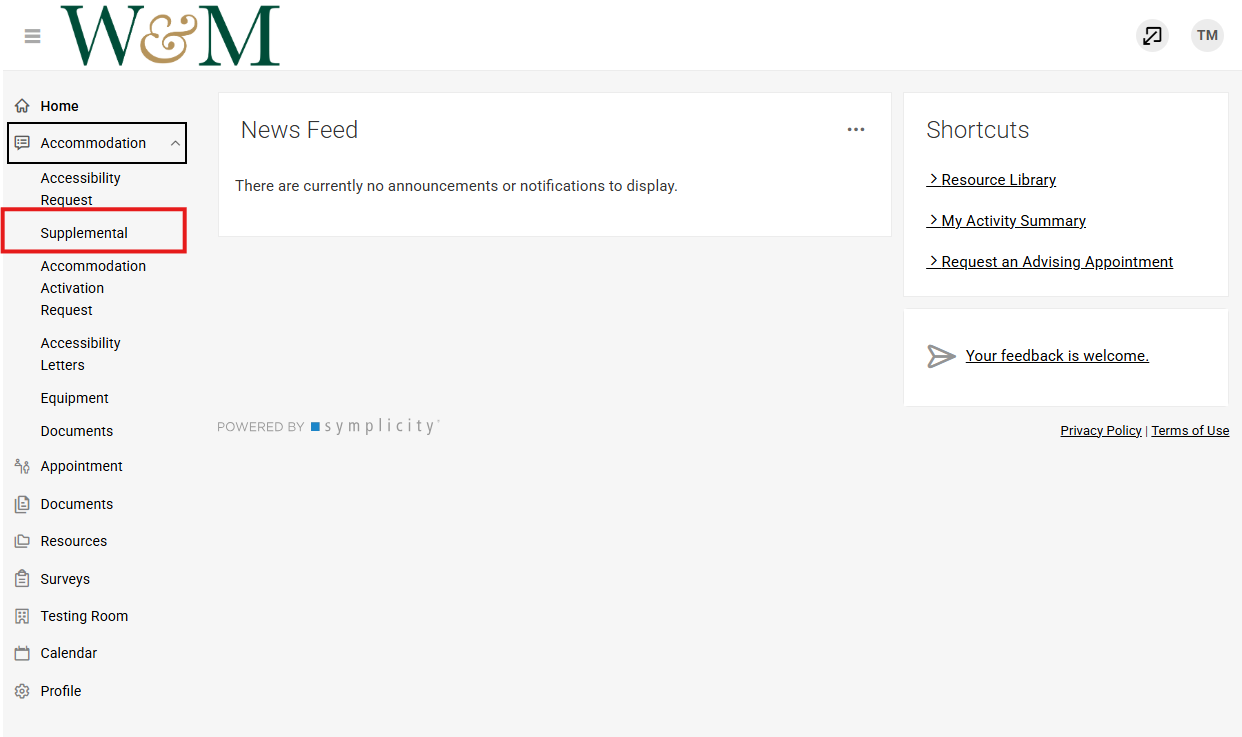
Step 3: Select Supplemental from the Accommodation drop-down choices.
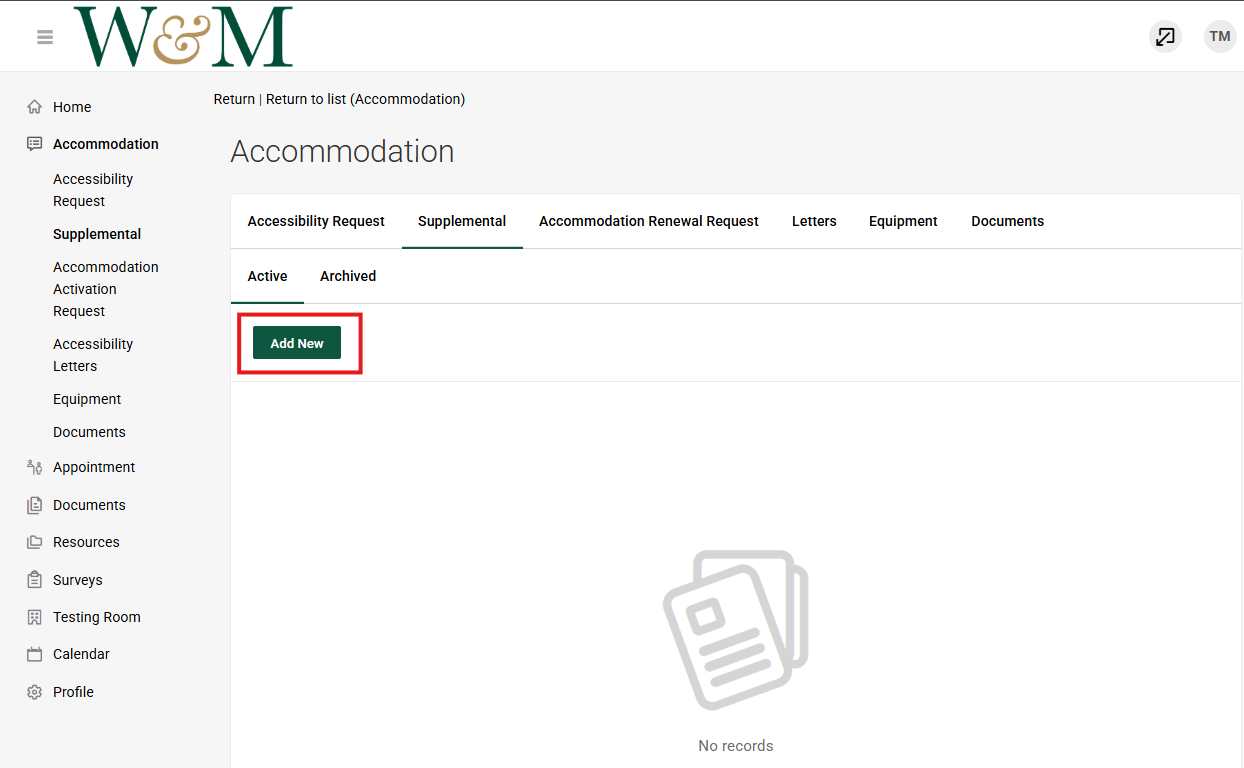
 Step 4: Click the green “Add New” button and answer the questions as best you can. Note that this form may take approximately 10-15 minutes to complete.
 Step 5: Please submit supporting medical documentation:
- See our Documentation Guidelines for more information about required documentation.